Digital License vs Product Key in Windows 11
Published 12 Sep 2026, updated 18 Sep 2026
Windows 11 uses two related ideas: the product key you type in and the digital license Windows keeps afterwards.
The product key
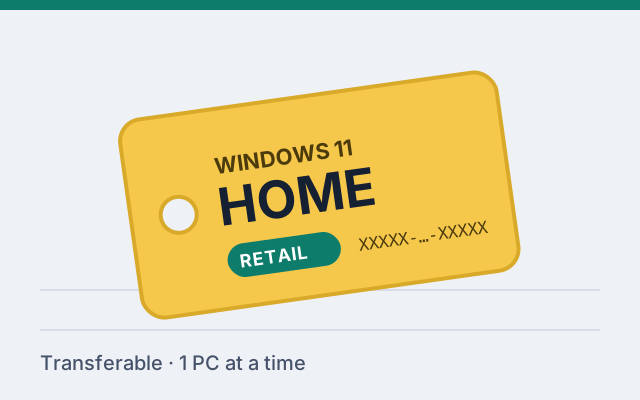
A 25-character code that tells Microsoft's activation servers which edition and license type you own. You enter it once, in Settings › System › Activation.
The digital license
When a key activates successfully, Microsoft records that this hardware is licensed for that edition. That record is the digital license, sometimes called a digital entitlement. From then on, the PC can reactivate without the key, for example after a reinstall.
Linking to a Microsoft account
If you sign in to Windows as an administrator with a Microsoft account, the digital license is linked to that account. The Activation page then says so. The link matters when hardware changes: the Activation troubleshooter can use it to reassign the license to the new hardware, which generally works for retail licenses, subject to Microsoft's licensing and activation rules.
Why you should still keep your key
- Moving a retail license to a completely new PC is easiest with the key.
- Phone activation and support requests may need it.
- It's your proof of purchase alongside the order record.
Retail and OEM behave differently
Both create a digital license. The difference is what happens on new hardware: a retail license can generally be reactivated there, subject to Microsoft's licensing and activation rules; an OEM license stays with the original PC. See Retail vs OEM.