What you're buying
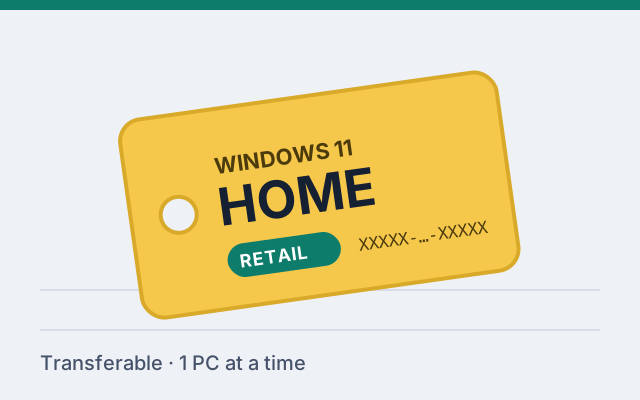
A 25-character product key that activates Windows 11 Home on one PC at a time, under a retail license. When the PC is replaced, the license can generally move with you, subject to Microsoft's licensing and activation rules.
Is Home enough for you?
Windows 11 Home runs the same apps and games as Pro, receives the same security updates, and includes Windows Security, Device Encryption on supported hardware, Windows Hello and Microsoft Store. For most personal PCs it is all you need.
Choose Pro instead if you need any of these: BitLocker with full management options, Remote Desktop into the PC, Hyper-V, Windows Sandbox, Group Policy, or joining a company domain. The full list is in Windows 11 Home vs Pro.
Important: a Home key only activates Windows 11 Home. It will not activate a PC that currently runs Windows 11 Pro. Check your edition before buying.
Typical situations
- You installed Windows 11 Home on a new or rebuilt PC and chose "I don't have a product key" during setup.
- Windows shows "Windows isn't activated" after a clean install on hardware that was never licensed.
- You are building a family or gaming PC and don't need business features.
Delivery and activation
The purchase is completed on the seller's website, which delivers the key digitally after payment. To activate, open Settings › System › Activation › Change product key. Step-by-step instructions are in the activation guide.
Upgrading to Pro later
If you later need Pro, you don't have to reinstall. Buy a Pro key and enter it on the Home PC; Windows upgrades in place. See Upgrade Windows 11 Home to Pro.