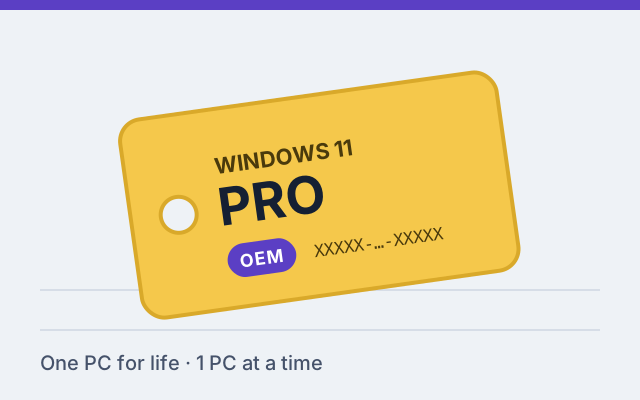
What an OEM key is
OEM stands for original equipment manufacturer. OEM licenses are the kind PC makers install on the computers they sell. Microsoft's OEM terms are written for system builders: the license is installed on one PC and then belongs to that PC for its lifetime.
An OEM key activates Windows 11 Pro exactly like a retail key does. The differences are about what happens later, not about features.
OEM vs retail, in practice
| Pro OEM | Pro Retail | |
|---|---|---|
| Windows features | Full Windows 11 Pro | Full Windows 11 Pro |
| New PC later | Needs a new license | Can generally move the key to the new PC |
| Motherboard replacement | Usually treated as a new PC | Can generally be reactivated with the same key |
| Reinstalling Windows on the same PC | Reactivates automatically | Reactivates automatically |
| Windows license support | The system builder | Microsoft |
When OEM is the sensible choice
- A PC you've finished building and don't plan to rebuild.
- Refurbished office PCs, media PCs or workshop machines that will be retired rather than upgraded.
- Upgrading a Home PC to Pro where the PC itself is the long-term unit.
If there's a real chance you'll swap the motherboard or move to a new PC in the next few years, the retail Pro key usually works out cheaper than buying a second OEM key later.
What "support by the system builder" means
With an OEM license, Microsoft expects the company that built the PC to provide Windows support. If you install the key on a PC you built yourself, that's you. In everyday use it changes little: Windows Update, security updates and in-app troubleshooters all work normally. It matters mainly if you ever need Microsoft to help move or reactivate the license.
Activation
An OEM key is activated like any other: open Settings › System › Activation › Change product key; the activation guide covers every step. After activation Windows stores a digital license for that PC, so reinstalling Windows on the same hardware reactivates on its own.