What you're buying
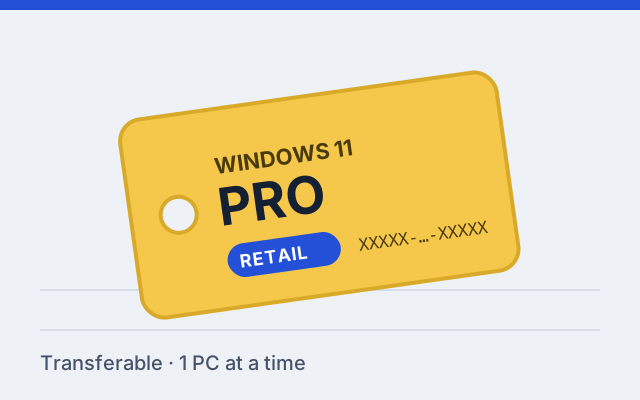
This is a 25-character product key for Windows 11 Pro under a retail license. You enter it in Windows to activate Pro. The key activates one PC at a time.
A retail license is the most flexible way to license Windows. It isn't tied permanently to the first computer you use it on, so when you build or buy a new PC you can deactivate the old one and activate the new one with the same key.
Who the retail Pro key suits
- People who build their own PCs and expect to swap the motherboard at some point. A motherboard change usually ends an OEM activation; a retail license can generally be reactivated, subject to Microsoft's licensing and activation rules.
- Anyone upgrading from Windows 11 Home to Pro who wants the license to survive their next PC.
- Freelancers and small offices that need Pro features such as BitLocker management, Remote Desktop hosting, Hyper-V or joining a work domain.
If you're sure the PC will never change, an OEM license is the lower-cost alternative, although no OEM offers are currently listed here. The difference is explained in Retail vs OEM Windows 11 keys.
Before you buy
- Check your current edition. Open Settings, then System, then About, and read the Edition line. Here's how, with screenshots of what to look for.
- A Pro key works on Home or Pro. On a Pro installation it simply activates. On a Home installation, entering it upgrades the PC to Pro in place; your files and apps stay.
- Check the hardware is Windows 11 capable if you are installing fresh: TPM 2.0, Secure Boot and a supported processor are required for a normal installation.
How delivery works
The purchase is completed on the seller's website, which delivers the key digitally after payment is confirmed. Nothing is shipped, and this site never holds your key or payment details.
Activating it
Go to Settings › System › Activation, select Change product key, type the key and follow the prompts. The full walkthrough, including what to do if the PC is offline, is in How to activate Windows 11 with a product key.
Moving the license to a new PC
Retail licenses can generally be transferred to a replacement PC after they are no longer used on the previous device, subject to Microsoft's licensing and activation rules. In practice: stop using it on the old PC (reinstall or wipe that PC, or install a different key on it), then activate the new PC with the same key. If online activation refuses, Windows offers phone activation or the Activation troubleshooter. See Windows activation after hardware changes.